
 Dishwasher
If your Samsung dishwasher is throwing a 4C, it almost always means water isn’t getting in fast enough.
I see this one a lot on Samsung service calls. The good news is, most of the time it’s not a major part failures but it is something basic that get overlooked.
Follow these steps in order, and I hope you’ll fix your dishwasher yourself:
1. Check that the water shutoff valve is fully open
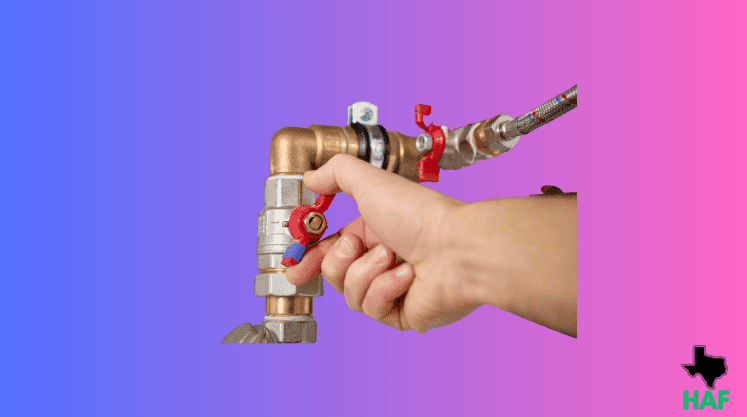
Under your sink, there’s a small valve connected to a hose that feeds the dishwasher. It looks like a small oval handle or a round knob, exactly like the image I shared above.
Turn it counterclockwise until it stops. That means it’s fully open.
Try running a quick cycle after this. Sometimes that’s all it takes.
2. Inspect the inlet hose and clean the filter screen
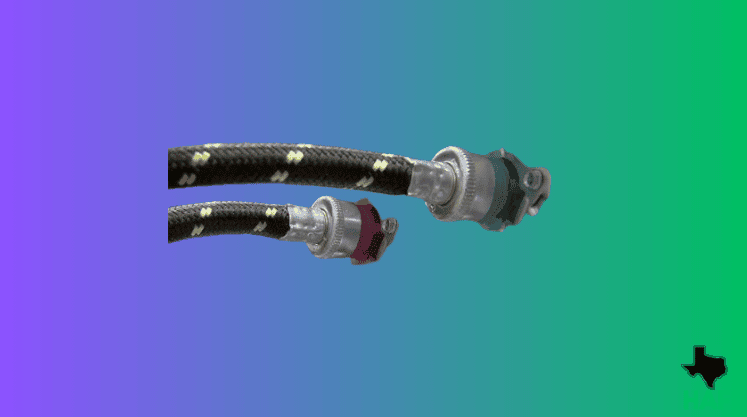
Pull the dishwasher forward a few inches and look at the hose running from the wall into the back of the machine.
- Is it bent sharply? Straighten it out.
- Is it squashed between the dishwasher and the cabinet? Reroute it so it has a clear path.
3. Check your home water pressure
This causes more 4C errors than anything else.
At the back of the dishwasher where the water hose screws in, there’s a small mesh screen inside the fitting. Its job is to catch grit and debris from the water supply.
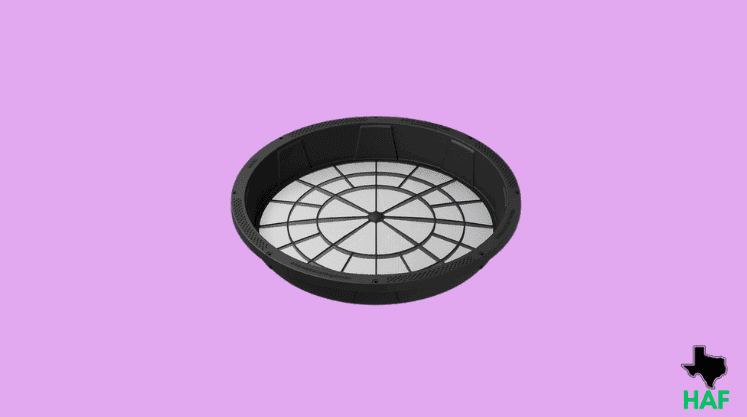
Over time it can clog and restrict the water flow.
First turn off the water under the sink. Then unscrew the hose from the back of the dishwasher. You’ll see the small screen sitting inside the inlet.
Use a toothpick or small screwdriver to gently pull it out. Rinse it under the tap until it’s clean.
If the screen was clogged, that’s very likely the cause of the problem.
It was just sediment packed into the inlet screen combined with a partly closed angle valve killing the pressure. Cleaned the screen, replaced the valve, and the code never came back.
If you want, we can come out, test it properly, and tell you exactly what failed before you spend a cent on parts.